Email AI

How many minutes does today’s mail cost you?That stretch can come back to your day.

Email AI gives you the hours the inbox would take.

  • Antivirus and quarantine before the draft
  • A draft cited from your files
  • Three rules that never auto-approve

Email AI saves the morning the mail would take. Connect the mailbox, or pass the message if the CRM already has it. The draft cites the passage from your files. Urgent, negative, and unsourced replies do not auto-approve.

A work desk with an inbox and the reply already composed, the send still closed.
The reply, before anyone hits send
A laptop linked to a mail server, with a lit envelope over the keyboard.
01 Mailbox intake

01 — Mailbox intake

Two doors in. One of them saves you opening the inbox.

Email AI syncs that inbox and you can send from there. If the CRM already has the message, you pass it to Email AI. It classifies and drafts, and we do not open the mailbox or send it ourselves.

  • Two doors: the connected mailbox, or your system asking us.
  • If the CRM already has the mail, Email AI does not read the inbox. If you connect the mailbox, it does, and the panel can send.

Connect the mailbox and send from the inbox

Blank envelopes sorted into trays, from top to bottom.
02 Antivirus before the draft

02 — Antivirus before the draft

The antivirus runs before you lose a minute on an attachment.

Every message goes through intake, antivirus, filters, scenarios, classification, context, generation, confidence, and result. A ZIP opens only after the antivirus has let it through. Whatever the scanner flags stays in quarantine, out of the draft.

  • Intent, language, sentiment, and an urgency score from 0 to 100.
  • Support, sales, billing, complaint, cancellation, question, spam, or other. There is no separate module per industry.

Attachment held in quarantine after antivirus

An archive table and a beam of light pulling out one page.
03 Citation pulled from your files

03 — Citation pulled from your files

The citation is already in your files. You do not hunt for the paragraph.

You upload policies, rates, and contracts. The draft cites the passage. PDF, Word, Excel, ODT, ODS, images, JSON, CSV, and text: up to 25 MB per file and 50 files per upload.

  • If your knowledge base returns no passages, confidence stays at or below 0.6 and that draft does not auto-approve.
  • Nightly autolearn is a switch. Off, it does not touch the base. On, it drops personal data and either activates the result or leaves it for review.

Cited passage beside the draft

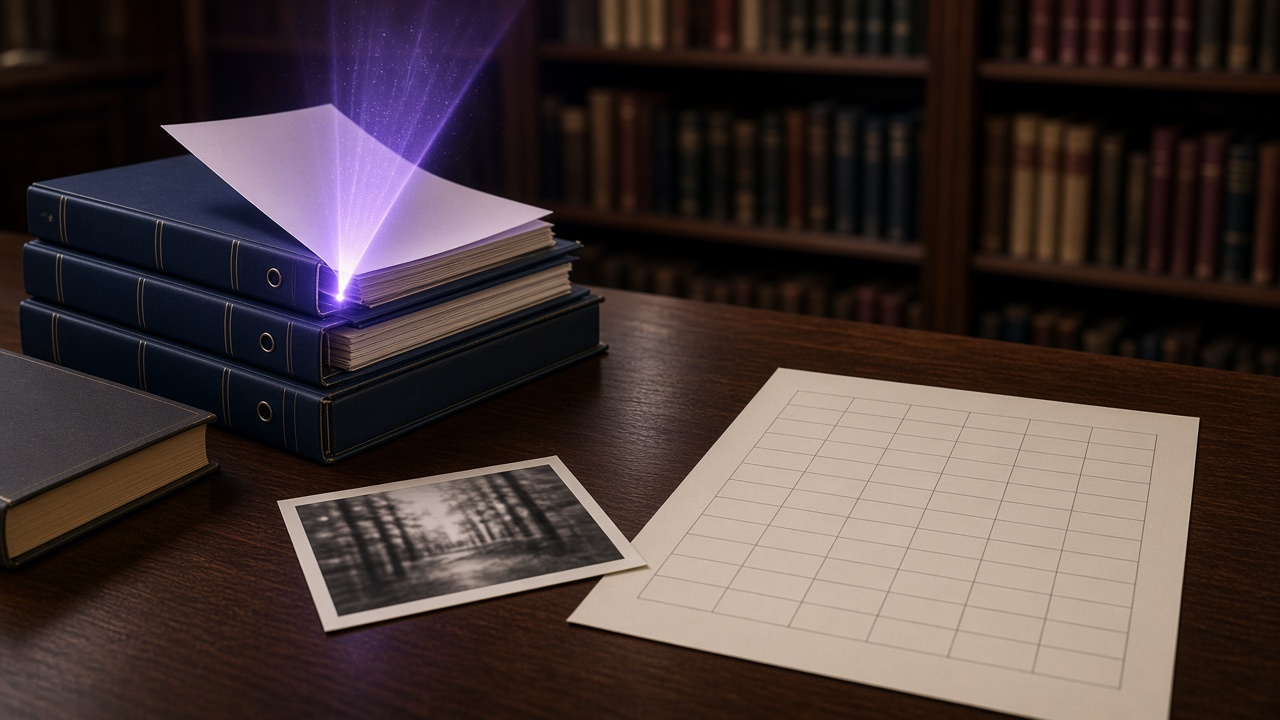
A letter beside a filing cabinet, joined by a marked passage.
04 Draft with the passage

04 — Draft with the passage

It reuses what you already answered, or it writes and cites the source.

The thread is tied by the email references, by sender and subject, or by similarity. If the case matches one of your earlier replies above the template threshold, that text is reused and it is not written again. The catalog puts that at 2–3 seconds.

  • Classify does not draft, and it is built to return in a few hundred milliseconds.
  • A full draft can take from half a minute to a minute and a half. It returns in the same request or when it finishes.
  • You ask for it in Spanish, English, French, or Catalan.

Reused reply or draft written with a citation

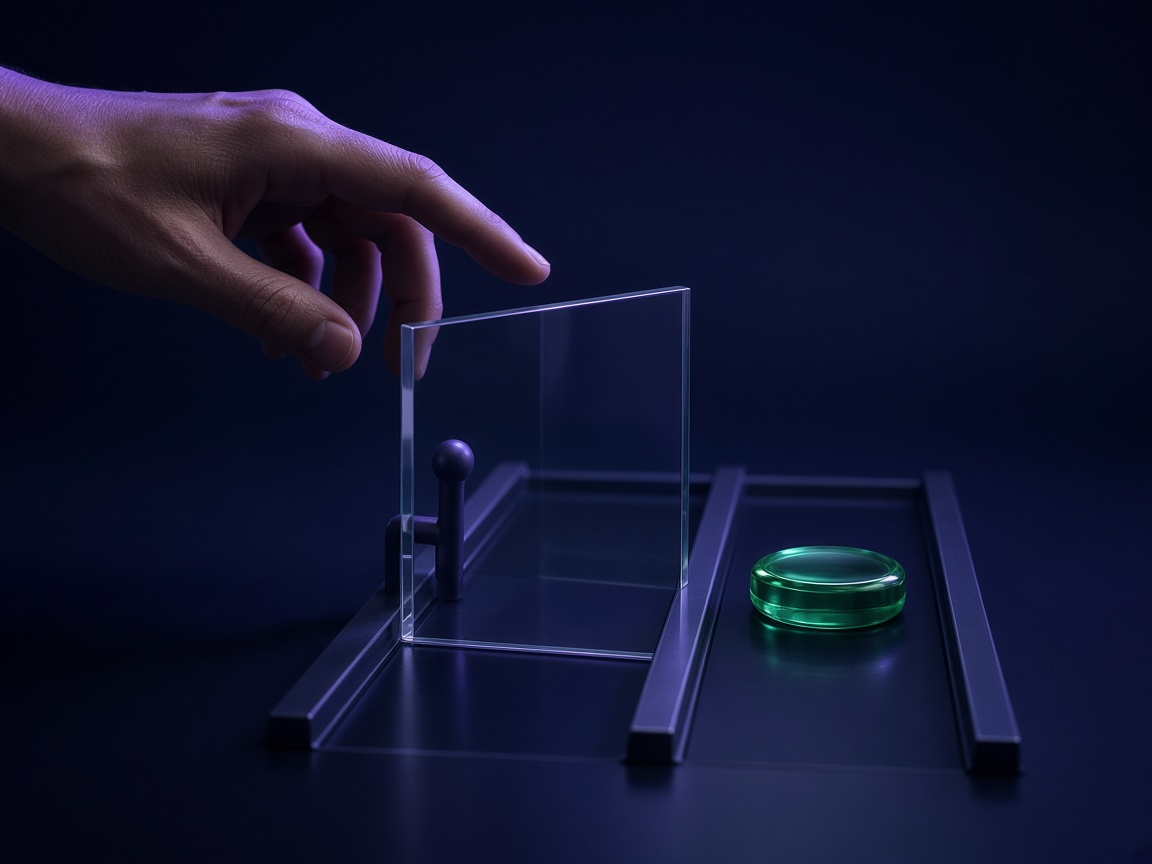
A hand stopped in front of a closed send, with a second lane left open.
05 Stop of the three rules

05 — Stop of the three rules

Three stops buy the send you do not want to release.

You store the send threshold. It starts at 0.92: above it, ready to send; below it, a person sees it. The template threshold starts at 0.95. These three rules stay even if you move the thresholds.

  1. Urgency of 80 or more: it escalates to a person.
  2. Negative or urgent sentiment: it does not auto-approve.
  3. No sources from your knowledge base: confidence does not go above 0.6 and it does not auto-approve.

Urgency, negative tone and unsourced draft

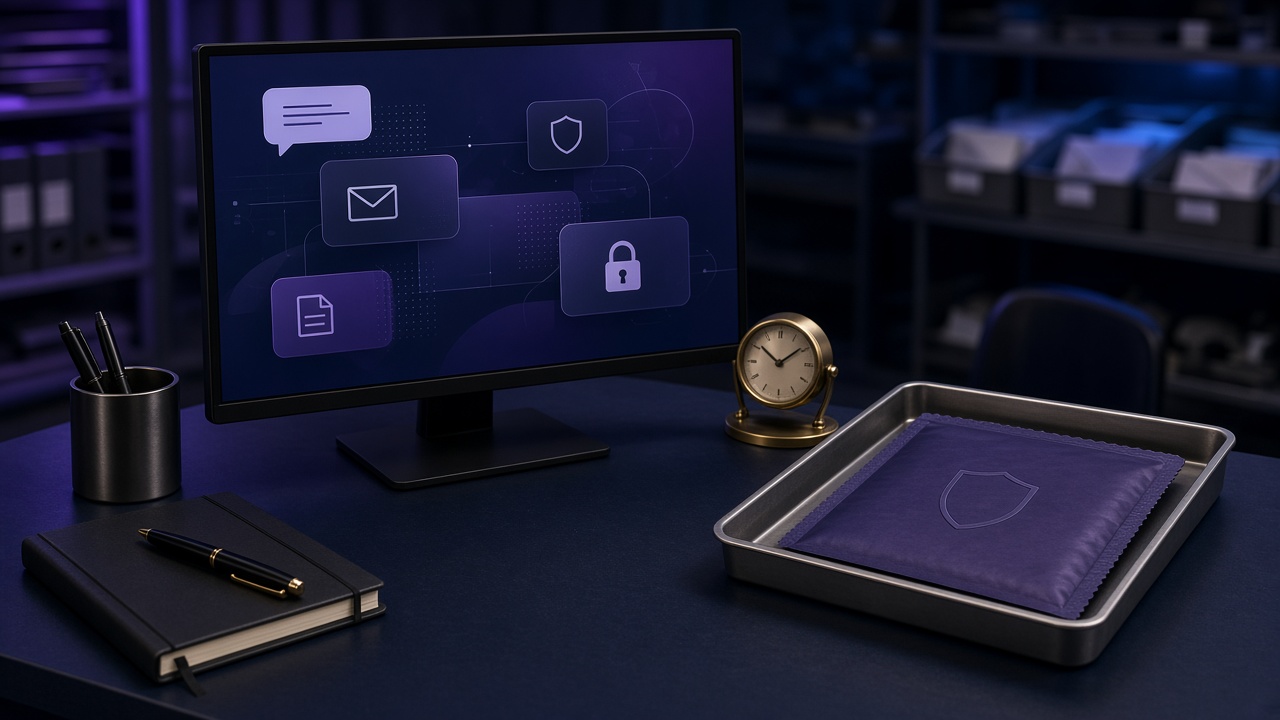
A mail desk with message cards, a table clock, and a sealed tray for quarantine.
06 Inbox as the workplace

06 — Inbox as the workplace

The inbox is the desk. The clock stops being the writer.

It is not a chat beside the mail. You read, reply, write a new message, and leave the send for the hour you choose. The team enters each mailbox to view, reply, or manage.

  • Schedule the reply or a new email. It goes out at the hour you choose.
  • Archive, move, flag, and act in bulk.
  • The trace of each message can be followed step by step.
  • The working panel is in Spanish.

Read, reply and send from the inbox

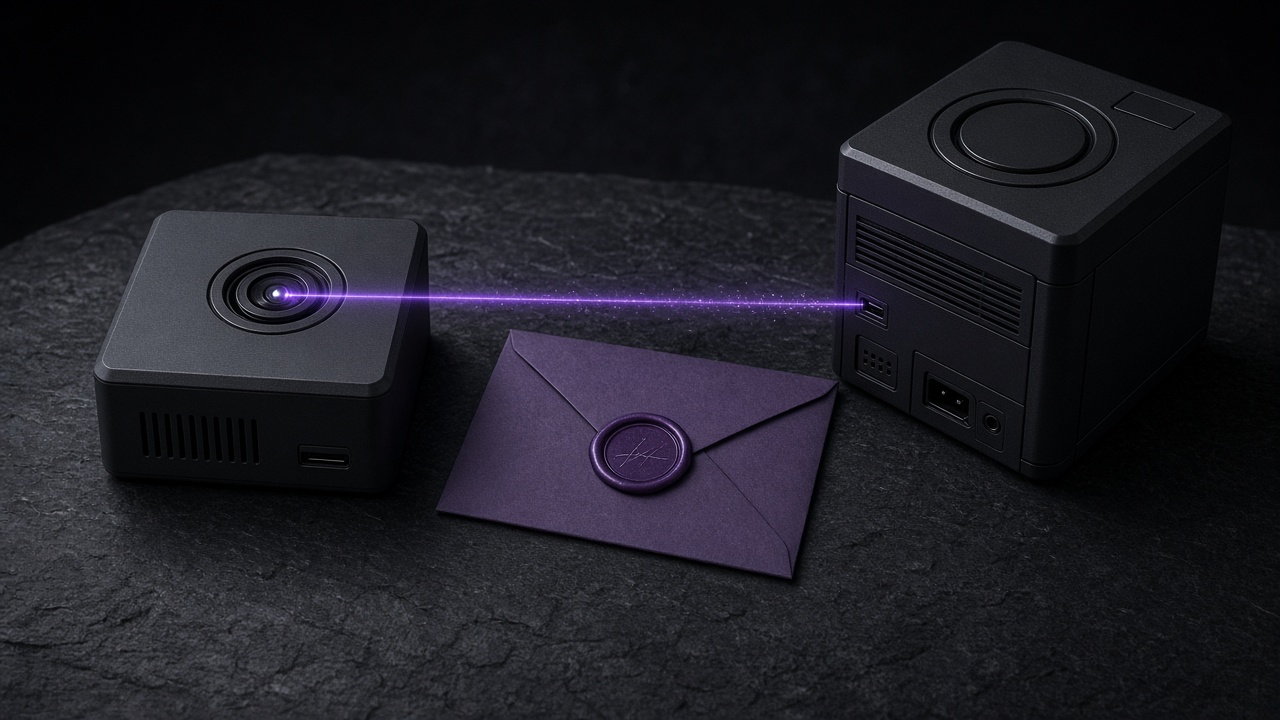
Two dark machines with a sealed envelope between them.
07 Ask from the CRM

07 — Ask from the CRM

Your CRM asks. You do not switch programs.

If the CRM already has the mail, you pass it to Email AI. Classify does not draft. The draft returns in the same request or when it finishes.

  • Email AI can consult your own tools, besides searching the knowledge base and reading the time.
  • You delete one thread, or all of the module data. The SaaS account stays.
  • What a person corrects comes back as a pattern.

Classify and draft without opening the mailbox

What it costs

Nothing is free. The hours you get back have a price per account.

Three tiers. The lowest one already costs money. Signup stores a card, and the disk does not replace the cost of leaving the draft written.

The same desk. The send stays in your hands.

Three prices. None of them is a gift.

  • Ultra Basic

    500 MB per account

    0,99 € a month

    per account

  • Pro

    5 GB per account

    3,90 € a month

    per account

  • Business

    50 GB per account

    11,00 € a month

    per account

These amounts are the commercial proposal per account. Nothing is free: every tier has a cost. Signup stores a card.

Doubts

What people ask before they store the card

Short answers, from the product as it is today.

Does the email go out on its own?
Only if it clears the threshold you stored and it does not hit the three rules: urgency of 80 or more, negative or urgent sentiment, or a draft with no sources from your documents. Those three do not auto-approve. You can edit the draft, reply by hand, or schedule the send.
Do you open the mailbox?
If you connect the mailbox, yes: the panel syncs it and you can send from there. If the CRM already has the message, your system passes it to Email AI. We do not open the mailbox and we do not send it.
Why a card if there is already a price?
Marketplace signup stores a card before it activates the service. Every tier on this page has a cost per account. Nothing is free.
What about the 14-day trial?
The service has it configured. On this page every tier is paid: there is no zero price that skips the cost.
Are there caps?
The cap you see here is the disk per account on each tier: 500 MB, 5 GB or 50 GB. What you get back is the stretch of the draft, not a disk given away.
Who writes the draft?
Email AI writes it. You ask for it in Spanish, English, French, or Catalan. This page does not name another brand.
How long does it take?
Classification is built to return in a few hundred milliseconds and it does not draft. A repeated case can reuse your earlier reply, and the catalog puts that at 2–3 seconds. A draft that uses your documents can take from half a minute to a minute and a half, and it comes back when it finishes.
Which language does it draft in?
You request the draft in Spanish, English, French, or Catalan. Classification also returns the language it detected in the email.
Where does the data stay?
In your account, with the knowledge base separated per account. You can delete one thread or all of the module data. That does not close the SaaS account. The working panel is in Spanish.
You pay the tier. You keep the time the draft would have taken.

Email AI leaves you the time the draft would take. The send stays in your hands.

I want to buy time

Email AI wins time on the mail. Ultra Basic from 0,99 € a month per account.

Start now